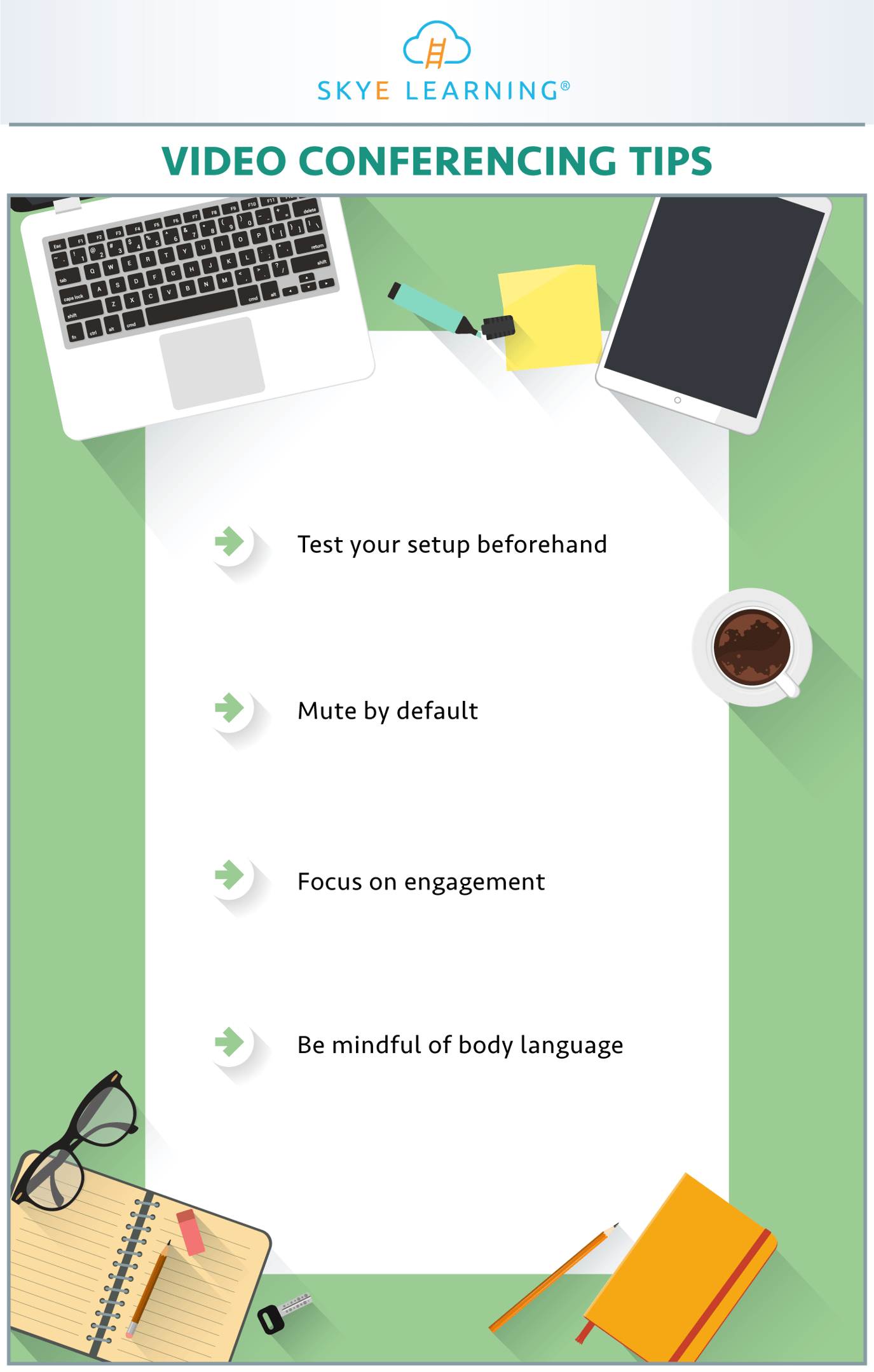
In today's fast-paced world, video conferencing has become an essential tool for communication, whether for work, education, or personal connections. Mastering the art of effective video conferencing can significantly enhance your productivity and professionalism. This guide will provide you with comprehensive Video Conference Tips to help you navigate the digital landscape with confidence.
Understanding the Basics of Video Conferencing
Before diving into the tips, it's crucial to understand the basics of video conferencing. Video conferencing involves real-time audio and video communication between two or more participants. This technology allows for face-to-face interactions without the need for physical presence, making it a valuable tool for remote work, online meetings, and virtual classrooms.
Preparing for a Video Conference
Preparation is key to a successful video conference. Here are some essential steps to ensure you are ready:
- Check Your Equipment: Ensure your webcam, microphone, and speakers are functioning correctly. Test them before the meeting to avoid any technical issues.
- Choose a Quiet Location: Find a quiet space with good lighting. Background noise and poor lighting can distract participants and affect the quality of the conference.
- Dress Appropriately: Dress as you would for an in-person meeting. This not only shows professionalism but also helps you feel more confident.
- Prepare Your Materials: Have any documents, presentations, or notes ready and easily accessible. This will help you stay organized and focused during the conference.
📌 Note: Always have a backup plan in case of technical difficulties. This could include having a phone number to call in case of audio issues or a secondary device ready to use.
Technical Setup for Video Conferencing
Setting up your technical equipment correctly is crucial for a smooth video conference experience. Here are some detailed steps:
- Webcam Placement: Position your webcam at eye level to create a natural and engaging visual experience. Avoid placing it too high or too low, as this can be distracting.
- Lighting: Ensure your face is well-lit. Natural light is best, but if that's not possible, use a soft light source from the front. Avoid backlighting, as it can create shadows and make it hard for others to see you.
- Audio Quality: Use a good-quality microphone and headphones to minimize background noise and ensure clear audio. Test your audio settings before the meeting to avoid any issues.
- Internet Connection: Ensure you have a stable and fast internet connection. A weak connection can lead to lag, dropped calls, and poor video quality.
📌 Note: Close unnecessary applications and tabs on your computer to free up bandwidth and improve performance.
Effective Communication During Video Conferences
Effective communication is the cornerstone of a successful video conference. Here are some tips to enhance your communication skills:
- Speak Clearly and Confidently: Speak at a moderate pace and enunciate your words clearly. Avoid mumbling or speaking too quickly, as this can make it hard for others to understand you.
- Maintain Eye Contact: Look directly into the camera to simulate eye contact. This helps create a more personal and engaging connection with your audience.
- Use Body Language: Non-verbal cues such as nodding, smiling, and gesturing can enhance your communication. However, be mindful of your body language to avoid distractions.
- Listen Actively: Pay full attention to the speaker and avoid multitasking. Active listening shows respect and helps you stay engaged in the conversation.
📌 Note: If you are in a large group, use the mute button when you are not speaking to reduce background noise.
Managing Distractions During Video Conferences
Distractions can significantly impact the quality of a video conference. Here are some strategies to manage distractions:
- Minimize Background Noise: Choose a quiet location and inform family members or roommates about your meeting to avoid interruptions.
- Turn Off Notifications: Disable notifications on your devices to prevent distractions from emails, messages, or social media alerts.
- Stay Focused: Avoid multitasking during the conference. Stay focused on the discussion and contribute actively when needed.
- Use a Virtual Background: If your environment is cluttered or distracting, consider using a virtual background to create a more professional setting.
📌 Note: If you need to step away briefly, inform the participants and mute your microphone to avoid any disruptions.
Advanced Video Conference Tips
For those looking to take their video conferencing skills to the next level, here are some advanced tips:
- Use Interactive Tools: Utilize features like screen sharing, whiteboards, and polls to make your meetings more interactive and engaging.
- Record the Meeting: If appropriate, record the meeting for future reference. This can be helpful for reviewing key points or sharing with absent participants.
- Follow Up: After the meeting, send a follow-up email summarizing the key points discussed and any action items. This helps keep everyone on the same page and ensures accountability.
- Practice: Regularly practice your video conferencing skills to become more comfortable and confident. The more you practice, the better you will get.
📌 Note: Always respect the privacy and confidentiality of the information shared during the meeting. Avoid sharing sensitive information without proper authorization.
Common Video Conference Mistakes to Avoid
Even with the best preparation, mistakes can happen. Here are some common video conference mistakes to avoid:
- Poor Lighting: Avoid sitting with a bright light source behind you, as it can create a silhouette effect and make it hard for others to see you.
- Background Distractions: Ensure your background is clean and free of distractions. A cluttered or messy background can be distracting and unprofessional.
- Technical Issues: Test your equipment and internet connection before the meeting to avoid any technical difficulties.
- Interruptions: Minimize interruptions by choosing a quiet location and informing others about your meeting.
📌 Note: If you encounter technical issues during the meeting, stay calm and inform the participants. Work on resolving the issue quickly to minimize disruptions.
Video Conference Etiquette
Following proper etiquette during video conferences is essential for maintaining a professional and respectful environment. Here are some key points to remember:
- Be Punctual: Join the meeting on time to show respect for others' time and to ensure you don't miss any important information.
- Introduce Yourself: If you are joining a large group, introduce yourself briefly when you join the meeting.
- Mute When Not Speaking: Use the mute button when you are not speaking to reduce background noise and avoid interruptions.
- Raise Your Hand: Use the "raise hand" feature or unmute yourself briefly to indicate that you want to speak. This helps maintain order and prevents interruptions.
📌 Note: If you need to leave the meeting early, inform the participants and exit quietly to avoid disrupting the flow of the discussion.
Choosing the Right Video Conferencing Platform
Selecting the right video conferencing platform is crucial for a seamless experience. Here are some factors to consider when choosing a platform:
- Ease of Use: Choose a platform that is user-friendly and easy to navigate. This ensures that all participants can join and use the features without difficulty.
- Features: Look for platforms that offer essential features such as screen sharing, chat, and recording. Additional features like breakout rooms and virtual backgrounds can also enhance the experience.
- Security: Ensure the platform has robust security measures to protect your data and privacy. Look for features like end-to-end encryption and password protection.
- Cost: Consider the cost of the platform and whether it fits within your budget. Many platforms offer free versions with basic features, while paid plans provide more advanced options.
📌 Note: Always review the platform's privacy policy and terms of service to understand how your data will be used and protected.
Video Conference Tips for Different Scenarios
Different scenarios may require specific Video Conference Tips. Here are some tailored tips for various situations:
Business Meetings
For business meetings, professionalism and efficiency are key. Here are some tips:
- Prepare an Agenda: Create a clear agenda and share it with participants before the meeting. This helps keep the discussion focused and on track.
- Dress Professionally: Dress as you would for an in-person business meeting to maintain a professional image.
- Use Formal Language: Use formal and respectful language to convey professionalism and maintain a positive atmosphere.
Educational Settings
In educational settings, engagement and clarity are crucial. Here are some tips:
- Use Visual Aids: Incorporate visual aids such as slides, diagrams, and videos to enhance learning and keep students engaged.
- Encourage Participation: Encourage students to ask questions and participate in discussions to foster a collaborative learning environment.
- Provide Clear Instructions: Give clear and concise instructions to ensure students understand the tasks and expectations.
Social Gatherings
For social gatherings, creating a relaxed and enjoyable atmosphere is important. Here are some tips:
- Choose a Casual Setting: Opt for a casual and comfortable setting to create a relaxed atmosphere.
- Use Informal Language: Use informal and friendly language to foster a sense of camaraderie and connection.
- Encourage Conversation: Encourage participants to share stories, jokes, and personal experiences to create a lively and engaging environment.
📌 Note: Always respect the boundaries and comfort levels of all participants, especially in social gatherings.
Troubleshooting Common Video Conference Issues
Even with the best preparation, technical issues can arise. Here are some common problems and solutions:
| Issue | Solution |
|---|---|
| Poor Video Quality | Check your internet connection and close unnecessary applications to free up bandwidth. |
| Audio Problems | Test your microphone and speakers before the meeting. Use headphones to minimize background noise. |
| Connection Drops | Ensure you have a stable internet connection. Consider using a wired connection instead of Wi-Fi. |
| Background Noise | Use the mute button when not speaking and choose a quiet location for the meeting. |
📌 Note: If you encounter persistent issues, consider reaching out to the platform's support team for assistance.
Mastering the art of video conferencing can significantly enhance your communication skills and productivity. By following these comprehensive Video Conference Tips, you can ensure a smooth and effective experience, whether for work, education, or personal connections. Embrace the digital landscape with confidence and make the most of this powerful tool.
Related Terms:
- best video conferencing setup
- best practices for video conferencing
- video conferencing examples
- video conferencing etiquette for participants
- best practices for effective teleconferencing
- best practices for virtual conferencing