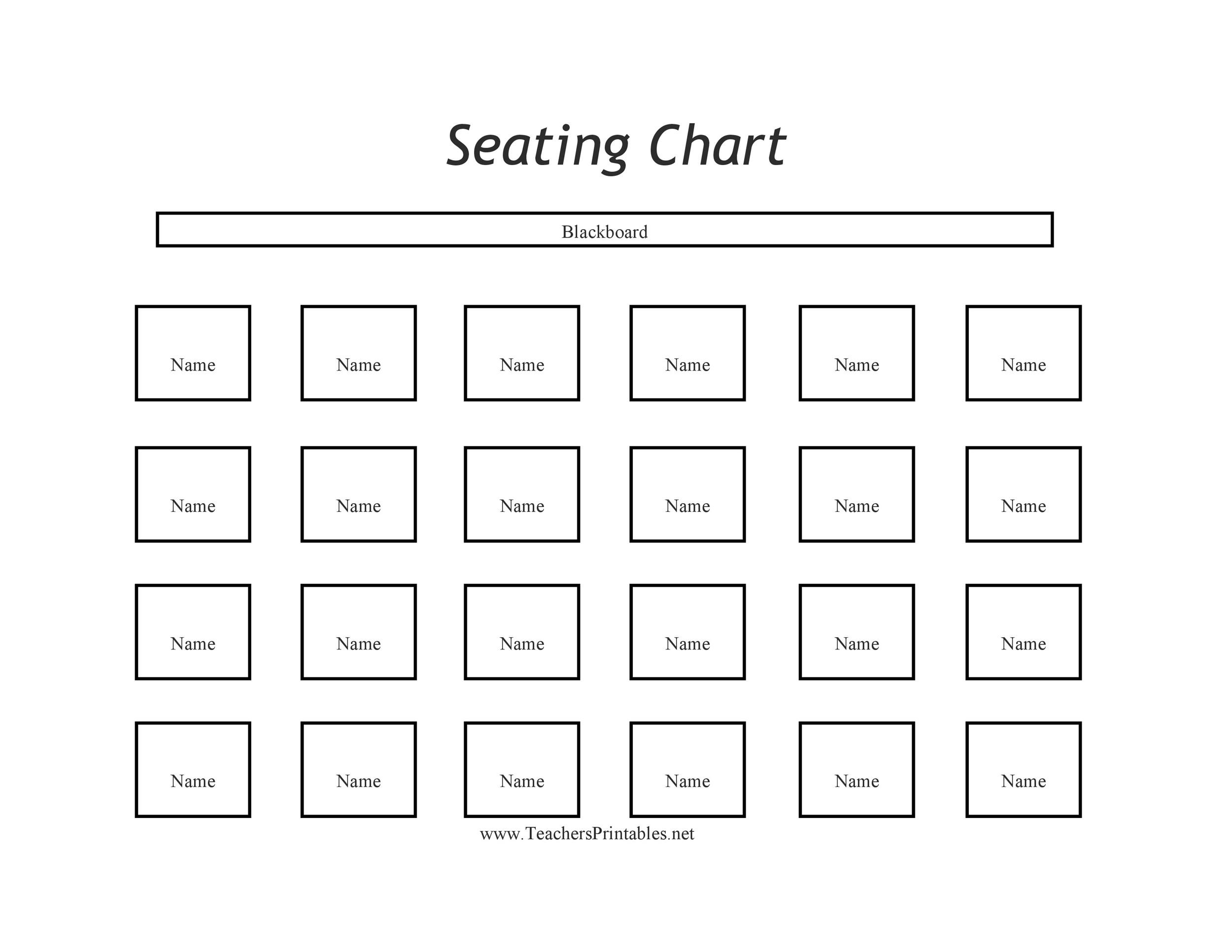
Creating a well-organized seat plan is essential for managing events, classrooms, and other settings where seating arrangements are crucial. A seat plan sample can serve as a valuable guide, helping you visualize and implement an effective seating layout. This post will walk you through the process of creating a seat plan, from understanding the basics to using digital tools for more complex arrangements.
Understanding the Basics of a Seat Plan
A seat plan is a visual representation of how seats are arranged in a specific space. It helps in allocating seats to individuals or groups, ensuring that everyone has a designated place. Whether you are organizing a conference, a classroom, or a wedding, a well-designed seat plan can enhance the overall experience.
Here are some key elements to consider when creating a seat plan:
- Space Layout: Understand the dimensions and layout of the space where the seats will be placed.
- Number of Seats: Determine the total number of seats required based on the expected attendance.
- Accessibility: Ensure that there are designated areas for individuals with disabilities, including wheelchair-accessible seats and aisles.
- Amenities: Consider the placement of amenities such as restrooms, exits, and refreshment areas.
Creating a Simple Seat Plan
For smaller events or classrooms, a simple seat plan can be created manually using paper and pencil. Here’s a step-by-step guide to help you get started:
- Sketch the Layout: Draw a rough sketch of the space, including walls, doors, and any fixed structures.
- Mark Key Areas: Identify and mark key areas such as the stage, podium, or presentation screen.
- Add Seats: Start adding seats to the layout, ensuring that there is enough space between rows for easy movement.
- Label Seats: Number or label the seats for easy reference.
- Review and Adjust: Review the layout to ensure it meets all requirements and make any necessary adjustments.
📝 Note: For small-scale events, a hand-drawn seat plan can be sufficient. However, for larger events, consider using digital tools for better accuracy and flexibility.
Using Digital Tools for Seat Planning
For more complex seating arrangements, digital tools can be incredibly helpful. These tools allow you to create detailed and accurate seat plans, often with features like drag-and-drop functionality and customizable templates. Here are some popular digital tools for seat planning:
- Microsoft Excel or Google Sheets: These spreadsheet programs can be used to create simple seat plans. You can use cells to represent seats and rows to represent different sections.
- SeatPlanner: This online tool offers a variety of templates and customization options, making it easy to create professional-looking seat plans.
- Social Tables: A comprehensive event planning tool that includes seat planning features. It allows you to create detailed floor plans and manage guest lists.
- AllSeated: Another powerful event planning tool that offers seat planning, floor plan creation, and guest management features.
Creating a Seat Plan Sample Using Excel
Here’s a step-by-step guide to creating a seat plan sample using Microsoft Excel:
- Open Excel: Launch Microsoft Excel and create a new workbook.
- Set Up the Grid: Use the cells to represent seats. For example, you can use columns to represent rows of seats and rows to represent different sections.
- Label the Sections: Label the rows and columns to indicate different sections and seat numbers.
- Add Seats: Fill in the cells with seat numbers or labels. You can use different colors or shading to distinguish between different sections.
- Customize the Layout: Adjust the column widths and row heights to match the dimensions of your space.
- Save and Print: Save your seat plan and print it out for reference.
Here is an example of a simple seat plan sample created in Excel:
| Section | Row A | Row B | Row C | Row D |
|---|---|---|---|---|
| Front | 1 | 2 | 3 | 4 |
| Middle | 5 | 6 | 7 | 8 |
| Back | 9 | 10 | 11 | 12 |
📝 Note: You can customize the seat plan sample to fit the specific needs of your event or space. Consider adding notes or symbols to indicate special seating areas, such as VIP sections or wheelchair-accessible seats.
Advanced Seat Planning Techniques
For larger events or more complex seating arrangements, you may need to employ advanced seat planning techniques. Here are some tips to help you create a more sophisticated seat plan:
- Use Templates: Many digital tools offer pre-designed templates that you can customize to fit your needs. These templates can save you time and ensure a professional-looking seat plan.
- Consider Accessibility: Ensure that your seat plan includes designated areas for individuals with disabilities. This may include wheelchair-accessible seats, accessible aisles, and clear signage.
- Optimize Space: Make the most of your available space by arranging seats in a way that maximizes capacity while maintaining comfort and safety.
- Plan for Amenities: Consider the placement of amenities such as restrooms, exits, and refreshment areas. Ensure that these areas are easily accessible and well-marked.
- Use Color Coding: Color coding can help distinguish between different sections or types of seating. For example, you can use different colors to indicate VIP sections, general seating, and accessible seating.
Case Study: Creating a Seat Plan for a Conference
Let’s walk through an example of creating a seat plan for a conference. This will involve planning for a large number of attendees, ensuring accessibility, and optimizing space for various activities.
Here are the steps to create a seat plan for a conference:
- Assess the Space: Measure the dimensions of the conference hall and identify key areas such as the stage, presentation screens, and exits.
- Determine Seating Requirements: Estimate the number of attendees and determine the seating capacity needed. Consider factors such as the duration of the event and the type of seating (e.g., theater-style, classroom-style).
- Plan for Accessibility: Ensure that there are designated areas for individuals with disabilities. This may include wheelchair-accessible seats, accessible aisles, and clear signage.
- Create a Digital Layout: Use a digital tool like Social Tables or AllSeated to create a detailed floor plan. Include all key areas and amenities.
- Add Seats: Start adding seats to the layout, ensuring that there is enough space between rows for easy movement. Use color coding to distinguish between different sections.
- Review and Adjust: Review the layout to ensure it meets all requirements and make any necessary adjustments.
Here is an example of a seat plan sample for a conference:
📝 Note: When creating a seat plan for a large event, it’s important to consider the flow of traffic and ensure that there are clear pathways for attendees to move around the space. This can help prevent congestion and ensure a smooth experience for everyone.
Best Practices for Seat Planning
To ensure that your seat plan is effective and efficient, follow these best practices:
- Plan Ahead: Start planning your seat arrangement well in advance to allow for any necessary adjustments.
- Consider Comfort: Ensure that seats are spaced appropriately to provide comfort and ease of movement.
- Optimize Space: Make the most of your available space by arranging seats in a way that maximizes capacity while maintaining comfort and safety.
- Use Clear Signage: Provide clear signage to help attendees navigate the space and find their seats easily.
- Test the Layout: If possible, test the layout before the event to ensure that it works well in practice.
By following these best practices, you can create a seat plan that enhances the overall experience for attendees and ensures a smooth and organized event.
Creating a well-organized seat plan is crucial for managing events, classrooms, and other settings where seating arrangements are important. A seat plan sample can serve as a valuable guide, helping you visualize and implement an effective seating layout. Whether you are organizing a small gathering or a large conference, understanding the basics of seat planning and using the right tools can make the process much easier. By following the steps and best practices outlined in this post, you can create a seat plan that meets the needs of your event and ensures a positive experience for all attendees.
Related Terms:
- seat plan template editable word
- seat plan sample classroom
- seating chart example
- example of seat plan
- create a classroom seating chart
- u shaped seating chart template