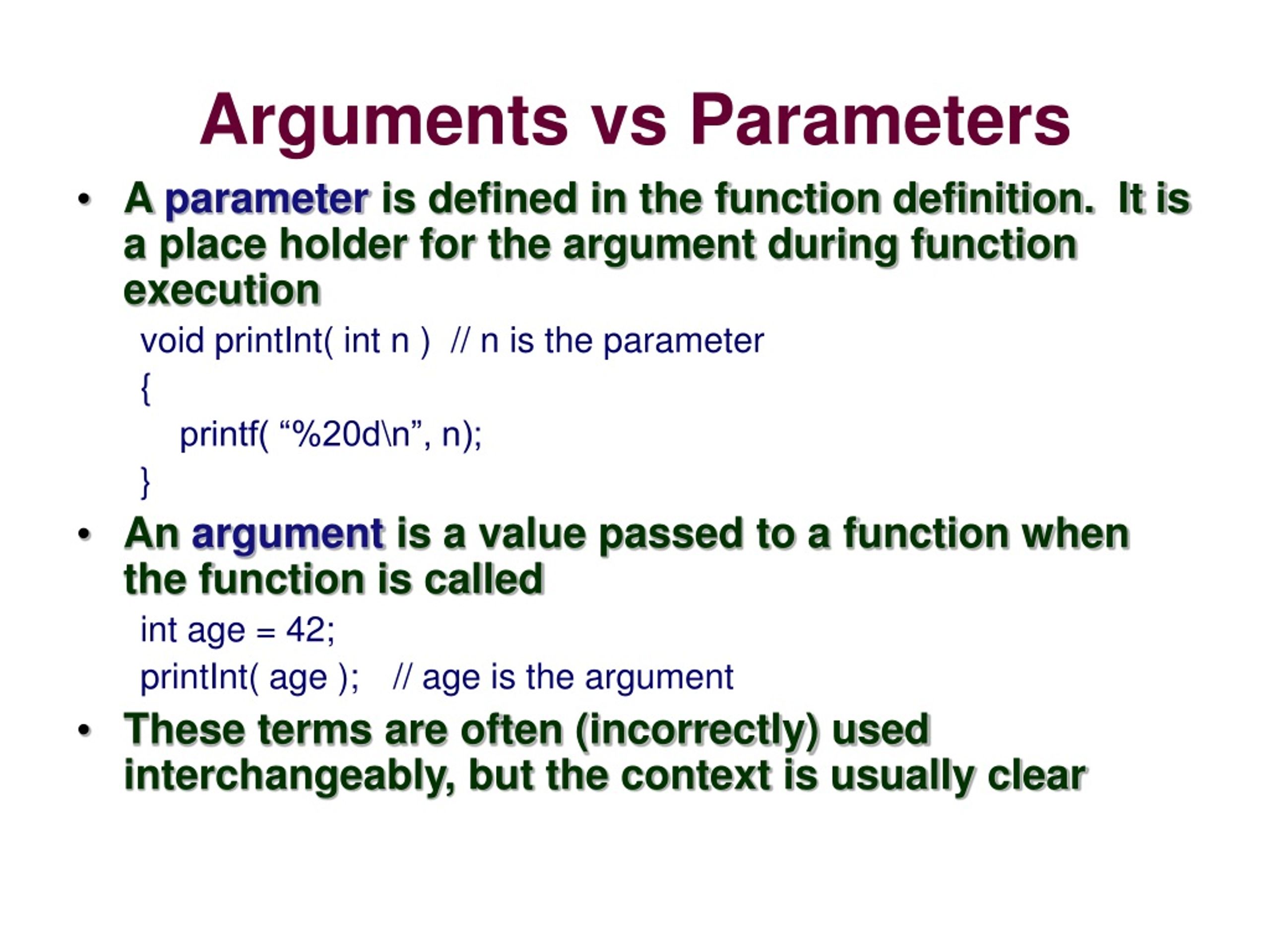
Understanding the distinction between Parameter vs Argument is fundamental in programming. These terms are often used interchangeably, but they have distinct meanings and roles in function definitions and calls. This blog post will delve into the differences, providing clear explanations and examples to help you grasp these concepts thoroughly.
Understanding Parameters
Parameters are variables listed inside the parentheses in the function definition. They act as placeholders for the values that will be passed to the function when it is called. Parameters allow functions to accept input, making them versatile and reusable.
For example, consider the following function definition in Python:
def greet(name):
    print("Hello, " + name + "!")
In this example, name is a parameter. It is a variable that will hold the value passed to the function when it is called.
Understanding Arguments
Arguments are the actual values passed to the function when it is called. They are the data that you send to the function to be processed. Arguments can be of various types, including numbers, strings, lists, and more.
Continuing with the previous example, if we call the function greet with the argument "Alice", it would look like this:
greet("Alice")
Here, "Alice" is the argument. It is the value that is passed to the function and assigned to the parameter name.
Parameter vs Argument: Key Differences
To further clarify the distinction between parameters and arguments, let’s outline the key differences:
- Definition: Parameters are defined in the function definition, while arguments are provided in the function call.
- Role: Parameters act as placeholders for the values that will be passed to the function, whereas arguments are the actual values passed to the function.
- Syntax: Parameters are listed inside the parentheses in the function definition, while arguments are listed inside the parentheses in the function call.
- Usage: Parameters are used to make functions flexible and reusable, allowing them to accept different inputs. Arguments are used to provide specific data to the function for processing.
Examples in Different Programming Languages
To illustrate the concept of Parameter vs Argument across different programming languages, let’s look at examples in Python, JavaScript, and Java.
Python
In Python, parameters are defined in the function header, and arguments are passed when the function is called.
def add(a, b):
    return a + b

result = add(3, 5)
print(result)  # Output: 8
In this example, a and b are parameters, and 3 and 5 are arguments.
JavaScript
In JavaScript, parameters are defined in the function declaration, and arguments are passed when the function is invoked.
function multiply(x, y) {
    return x * y;
}

let product = multiply(4, 6);
console.log(product);  // Output: 24
Here, x and y are parameters, and 4 and 6 are arguments.
Java
In Java, parameters are defined in the method signature, and arguments are passed when the method is called.
public class Main {
    public static void main(String[] args) {
        int sum = add(2, 7);
        System.out.println(sum);  // Output: 9
    }

    public static int add(int num1, int num2) {
        return num1 + num2;
    }
}
In this example, num1 and num2 are parameters, and 2 and 7 are arguments.
Default Parameters and Optional Arguments
Some programming languages support default parameters and optional arguments, which add flexibility to function definitions. Default parameters allow you to specify default values for parameters, making them optional when calling the function.
For example, in Python, you can define a function with default parameters as follows:
def greet(name="Guest"):
    print("Hello, " + name + "!")
In this case, if no argument is provided when calling the function, the default value "Guest" will be used.
Similarly, in JavaScript, you can use default parameters like this:
function greet(name = "Guest") {
    console.log("Hello, " + name + "!");
}
This allows the function to be called without an argument, using the default value instead.
💡 Note: Default parameters and optional arguments can make your functions more user-friendly and reduce the need for overloading functions with multiple signatures.
Passing Arguments by Value vs. by Reference
Understanding how arguments are passed to functions is crucial for predicting the behavior of your code. Most programming languages pass arguments by value or by reference.
When arguments are passed by value, a copy of the value is made, and the function operates on the copy. Changes to the parameter inside the function do not affect the original value.
For example, in Python:
def modify_list(lst):
    lst.append(4)

my_list = [1, 2, 3]
modify_list(my_list)
print(my_list)  # Output: [1, 2, 3, 4]
In this case, my_list is passed by reference, so changes to lst inside the function affect the original list.
When arguments are passed by reference, the function operates on the original value. Changes to the parameter inside the function affect the original value.
For example, in Java:
public class Main {
    public static void main(String[] args) {
        int num = 5;
        modifyNumber(num);
        System.out.println(num);  // Output: 5
    }

    public static void modifyNumber(int num) {
        num = 10;
    }
}
In this case, num is passed by value, so changes to num inside the function do not affect the original value.
Common Mistakes and Best Practices
When working with parameters and arguments, it’s essential to avoid common mistakes and follow best practices to ensure your code is correct and efficient.
- Mismatched Parameters and Arguments: Ensure that the number and types of arguments match the parameters defined in the function. Mismatches can lead to errors or unexpected behavior.
- Default Parameter Values: Use default parameter values to make your functions more flexible and user-friendly. This allows you to call the function with fewer arguments when needed.
- Documentation: Clearly document the parameters and arguments expected by your functions. This helps other developers understand how to use your functions correctly.
- Type Annotations: Use type annotations to specify the expected types of parameters and return values. This improves code readability and helps catch type-related errors.
By following these best practices, you can write more robust and maintainable code.
💡 Note: Always test your functions with various inputs to ensure they handle different scenarios correctly. This includes edge cases and invalid inputs.
Conclusion
Understanding the distinction between Parameter vs Argument is crucial for writing effective and efficient code. Parameters are placeholders defined in the function definition, while arguments are the actual values passed to the function when it is called. By grasping these concepts and following best practices, you can create flexible, reusable, and well-documented functions. Whether you are working in Python, JavaScript, Java, or any other programming language, a solid understanding of parameters and arguments will enhance your programming skills and help you write better code.
Related Terms:
- difference between argument and parameters
- parameter definition
- argument vs parameter in programming
- parameter vs argument java
- what is argument and parameter
- argument and parameter examples