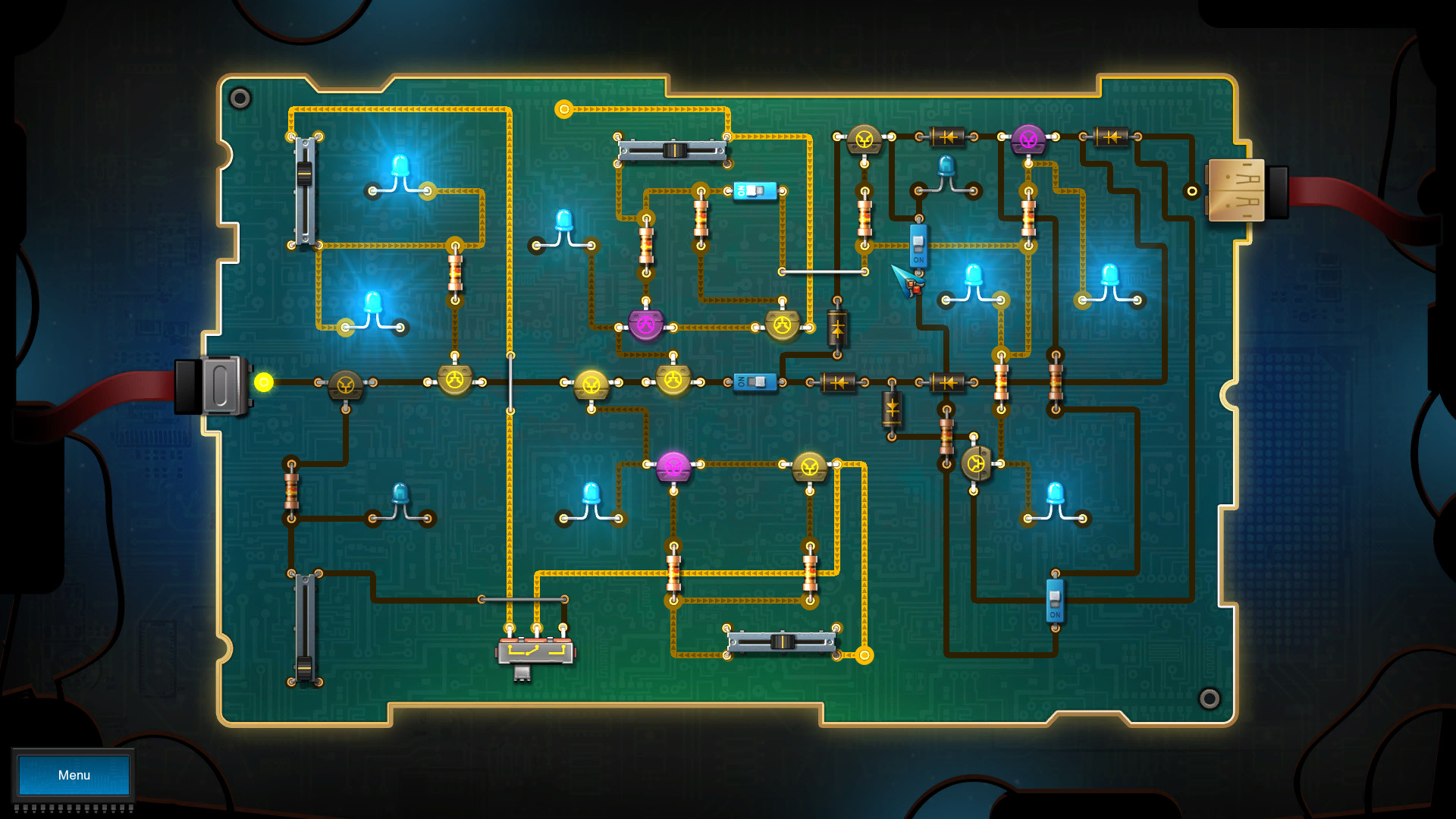
Embarking on the journey of creating Games With Circuits is an exciting venture that combines the worlds of electronics and gaming. This fusion allows enthusiasts to build interactive and engaging games using electronic components. Whether you're a hobbyist, educator, or professional, understanding the basics of Games With Circuits can open up a world of creative possibilities.
Understanding the Basics of Games With Circuits
Before diving into the creation of Games With Circuits, it's essential to grasp the fundamental concepts. Games With Circuits involve the use of electronic components to create interactive experiences. These components can include microcontrollers, sensors, LEDs, and more. The microcontroller acts as the brain of the game, processing inputs and generating outputs based on the programmed logic.
Here are some key components commonly used in Games With Circuits:
- Microcontrollers: Devices like Arduino or Raspberry Pi that execute the game logic.
- Sensors: Components that detect changes in the environment, such as motion sensors or light sensors.
- LEDs: Light-emitting diodes used for visual feedback.
- Buttons and Switches: Input devices that allow users to interact with the game.
- Speakers: For adding sound effects to enhance the gaming experience.
Designing Your First Game With Circuits
Designing your first Game With Circuits can be both fun and educational. Here’s a step-by-step guide to help you get started:
Step 1: Conceptualize Your Game
Begin by conceptualizing the type of game you want to create. Consider the following:
- The objective of the game.
- The type of interactions required.
- The components you will need.
For example, you might want to create a simple reaction game where players press a button as quickly as possible when an LED lights up.
Step 2: Gather Your Components
Based on your game concept, gather the necessary components. For the reaction game example, you might need:
- An Arduino microcontroller.
- An LED.
- A button.
- Resistors and jumper wires.
Step 3: Set Up Your Circuit
Connect the components according to your game design. Here’s a basic setup for the reaction game:
- Connect the LED to a digital pin on the Arduino through a resistor.
- Connect the button to another digital pin on the Arduino.
- Ensure all connections are secure and follow the schematic diagram.
Below is a simple schematic for the reaction game:
| Component | Connection |
|---|---|
| LED | Digital Pin 13 (through a resistor) |
| Button | Digital Pin 2 |
Step 4: Write the Code
Program the microcontroller to control the game logic. For the reaction game, the code might look something like this:
const int ledPin = 13;
const int buttonPin = 2;

void setup() {
  pinMode(ledPin, OUTPUT);
  pinMode(buttonPin, INPUT);
  randomSeed(analogRead(0));
}

void loop() {
  int randomDelay = random(1000, 3000);
  digitalWrite(ledPin, HIGH);
  delay(randomDelay);
  digitalWrite(ledPin, LOW);

  while (digitalRead(buttonPin) == LOW) {
    // Wait for the button to be pressed
  }

  // Add a delay to prevent multiple presses from being registered
  delay(500);
}
💡 Note: Ensure that your code is well-commented for easier debugging and understanding.
Advanced Techniques for Games With Circuits
Once you’ve mastered the basics, you can explore more advanced techniques to enhance your Games With Circuits. These techniques can make your games more interactive and engaging.
Using Multiple Sensors
Incorporating multiple sensors can add complexity and interactivity to your games. For example, you can use a motion sensor to detect player movements and an LED matrix to provide visual feedback.
Adding Sound Effects
Sound effects can significantly enhance the gaming experience. You can use a small speaker connected to the microcontroller to play sounds when certain events occur. For instance, a buzzer can sound when the player wins or loses.
Creating Multiplayer Games
Designing multiplayer Games With Circuits can be a fun challenge. You can use multiple microcontrollers or a single microcontroller with multiple input devices to create a competitive or cooperative gaming experience.
Examples of Games With Circuits
Here are a few examples of Games With Circuits that you can create to get inspired:
Simon Says Game
The Simon Says game involves a sequence of lights and sounds that the player must mimic. This game can be created using LEDs, a speaker, and a microcontroller.
Maze Game
A maze game can be designed using an LED matrix and a joystick. The player navigates a character through a maze to reach the goal. This game requires more complex programming but offers a rewarding experience.
Reaction Timer Game
As mentioned earlier, a reaction timer game involves pressing a button as quickly as possible when an LED lights up. This game is simple to create but can be very engaging.

Tips for Successful Games With Circuits
Creating successful Games With Circuits requires careful planning and execution. Here are some tips to help you along the way:
- Start Simple: Begin with simple projects and gradually move to more complex ones as you gain experience.
- Test Thoroughly: Always test your circuits and code thoroughly to ensure they work as expected.
- Document Your Work: Keep detailed notes and diagrams of your projects for future reference.
- Learn from Others: Join online communities and forums to learn from other enthusiasts and share your own experiences.
By following these tips, you can create engaging and interactive Games With Circuits that will impress your friends and family.
Creating Games With Circuits is a rewarding hobby that combines electronics and gaming. Whether you’re a beginner or an experienced enthusiast, there’s always something new to learn and explore. From simple reaction games to complex multiplayer experiences, the possibilities are endless. By understanding the basics, designing your games carefully, and exploring advanced techniques, you can create amazing interactive experiences that will captivate players of all ages.
Related Terms:
- circuit construction kit simulator
- electrical circuit games online
- electric circuit simulator
- playcircuits
- electrical games online
- circuit games for kids online